LinkedIn Events Guide 2026: How to Use Them for Real Reach
LinkedIn Events is one of the most underused free tools on the platform. This guide covers what LinkedIn Events actually do, how to set one up properly, how to brand it, and how to use it as part of a full organic reach playbook rather than a standalone tactic.
What LinkedIn Events are, and what they are not
A LinkedIn Event is a free, structured page on LinkedIn that lets you announce an event, collect attendees, send updates and post to a dedicated feed. It is great for awareness and reminders. It is not, by itself, a reach engine. Reach on LinkedIn comes from posts in personal feeds, not from event pages.
Online events vs in-person events on LinkedIn
Both formats are supported. Online events get the most native lift because LinkedIn can power the streaming experience. In-person events still benefit from the page as a registration anchor and a place to post updates.
How to set up a LinkedIn Event the right way
Create the event from your personal profile or company page. Personal hosts get more reach.
Use a banner that is 1584 by 396 pixels. Full sizing details in our LinkedIn event banner size guide.
Write a description that opens with the outcome attendees get, not the agenda.
Add an external registration URL if you collect attendees on your own site. This is critical for retargeting and CRM.
Invite your network in batches of 1,000 per week to avoid invitation fatigue.
How effective is LinkedIn for event promotion
Very effective when you use personal profiles for distribution and the event page for structure. LinkedIn's own data shows employee posts get roughly 8x the engagement of company page posts, and the same dynamic applies to event promotion. The event page provides searchability and the reminder system. The reach itself comes from people.
The organic reach playbook in five steps
Set up the LinkedIn Event with a branded banner and external registration link.
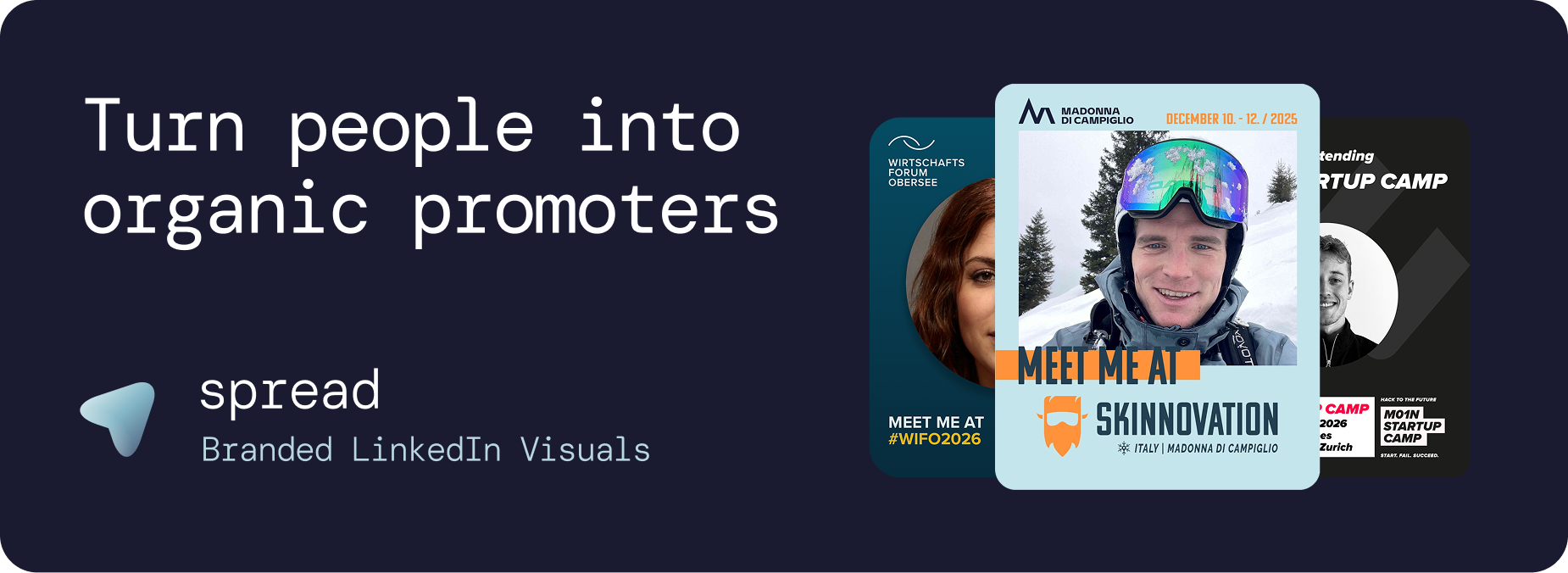
Send every registrant a personalized "I am attending" graphic in the confirmation email.
Send every speaker a branded "I am speaking at" graphic.
Pre-write LinkedIn captions for attendees and speakers so sharing is one tap.
After the event, send personalized recap graphics for the long tail.
The full mechanic, including the math behind why 100 shares can generate 250,000 plus impressions, is in our impressions breakdown and the organic promotion playbook.
Can brands host live events on LinkedIn
Yes. LinkedIn Live is available to pages and individuals once approved, and live events on LinkedIn get strong native distribution. Pair the live stream with personalized graphics for attendees and speakers so the conversation continues in personal feeds, not just inside the live event chat.
Branding a LinkedIn Event so it looks like a real event
The banner does most of the heavy lifting. Match it to your event's visual system and reuse the same design language across attendee and speaker graphics. We cover the formats people actually share in our event branding ideas guide.
Mistakes to avoid
Hosting from the company page only. Personal hosts get more reach.
Skipping the external registration URL. You lose retargeting and CRM data.
Inviting your entire network in one blast. LinkedIn throttles and people unfollow.
Using the LinkedIn Event as your only promotion channel.
Posting only from the company page during the event. Speakers and attendees should post too.
How Go Spread plugs into LinkedIn Events
Go Spread is the part of the playbook that scales badly by hand: branded templates created with brand import, personalized attendee, speaker and sponsor graphics, pre-written captions, LinkedIn OAuth for one-click posting and per-share analytics. The LinkedIn Event handles structure and reminders. Go Spread handles the personalized graphics that actually drive feed reach. Start from the events use case if you organize conferences or meetups.